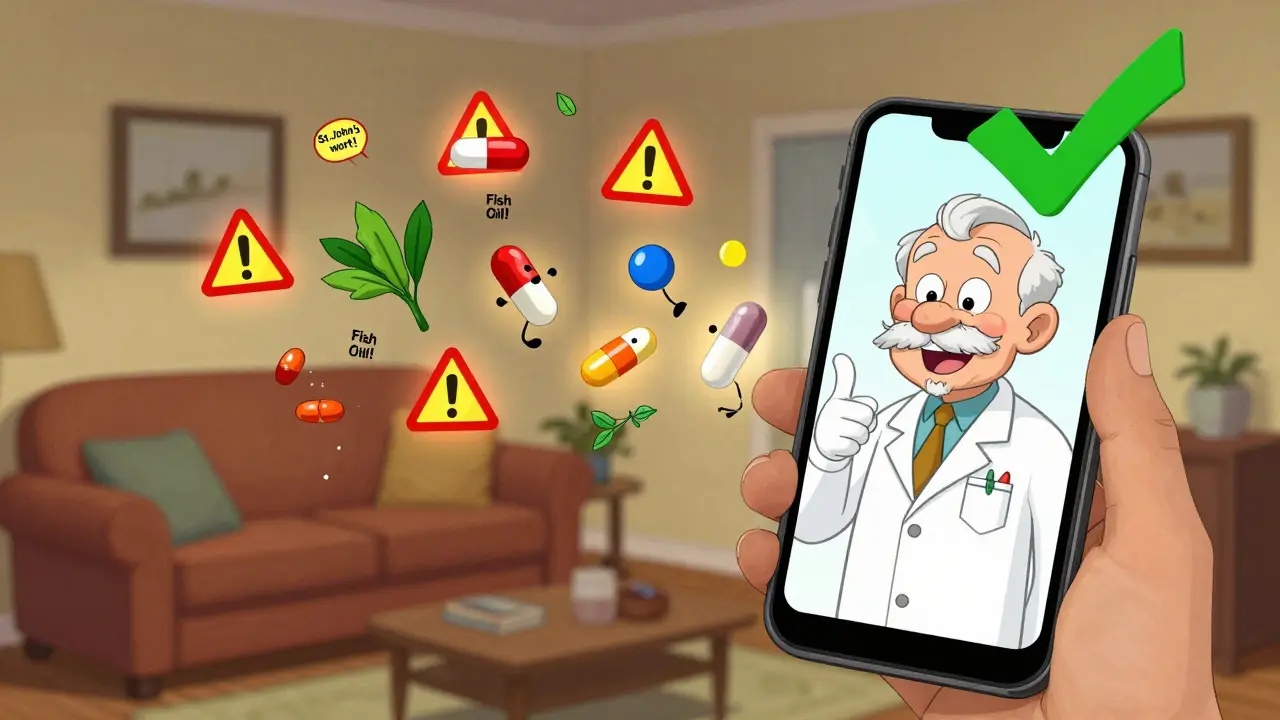
Every year, over 1.3 million people in the U.S. are injured because of drug interactions - some mild, others life-threatening. It’s not just about mixing two prescription pills. It’s about that extra ibuprofen you take for your knee, the fish oil supplement you started last month, or the herbal tea your aunt swears by. These apps don’t just list warnings - they help you see the full picture before it’s too late.
Why Drug Interactions Matter More Than You Think
Most people think drug interactions only happen when doctors prescribe conflicting meds. That’s only part of the story. The real danger comes from what you’re taking on your own. A 72-year-old taking blood thinners might not realize that a daily dose of St. John’s Wort can cut the drug’s effectiveness by 60%. Or a 55-year-old with high blood pressure might pop a decongestant for a cold - not knowing it can spike their pressure to dangerous levels. The problem gets worse with age. Nearly half of Americans over 65 take five or more medications daily. That’s not just a number - it’s a ticking clock. Each new pill, supplement, or OTC medicine adds another variable. Without a system to track them, mistakes are inevitable. That’s where pharmacy apps come in. They’re not just fancy digital reference books. They’re safety nets. Used right, they catch interactions your doctor might miss because they’re juggling 20 patients that day. They’re faster than flipping through a thick drug guide. And they’re always with you - in your pocket, ready when you need them.What to Look for in a Drug Interaction App
Not all apps are created equal. Some are made for patients. Others are built for pharmacists. Some are free. Others cost hundreds a year. The right one depends on who’s using it. If you’re a patient or caregiver, you need something simple, reliable, and free. Apps like Drugs.com offer a solid interaction checker that lets you enter up to 10 medications at once. It flags major risks, links to FDA alerts, and has a clean interface. No subscription. No ads during critical checks - well, mostly. Some users complain about pop-ups, but the core tool works. For professionals - pharmacists, nurses, doctors - you need depth. Epocrates is the most widely used app in U.S. clinics. It checks up to 30 medications at once, identifies pills by photo, and gives you management tips: “Avoid this combo,” “Monitor liver enzymes,” or “Switch to alternative.” Its free version gives you basic interaction alerts. The premium version ($49.99/month) adds live pharmacist support and advanced features like pharmacogenomics data. Lexicomp is the go-to in hospitals. It’s used by 65% of U.S. hospital pharmacies. Why? Because it doesn’t just tell you there’s a risk - it tells you how to fix it. It includes IV compatibility, dosing for kidney failure, and even patient handouts you can print. But it’s expensive - $199/year - and the interface is clunky if you’re not trained. UpToDate stands out for one thing: context. It doesn’t just list interactions. It explains why they matter. It includes overdose protocols, toxidromes (poisoning patterns), and even checks for interactions with household products like antifreeze or cleaning agents. It can handle over 50 medications at once - useful for complex cases. Micromedex is the gold standard for accuracy. It catches 98.7% of clinically significant interactions, according to the National Library of Medicine. But it’s built for institutions. Pricing starts at $2,000/year. You won’t buy this for your phone unless you work in a hospital.How to Use These Apps Step by Step
Using a drug interaction app isn’t hard - but doing it right matters. Here’s how to do it properly:- Collect every medication - prescriptions, OTC pills, vitamins, herbs, supplements, even topical creams. Don’t forget CBD oil or melatonin. Many apps miss these.
- Enter them one by one - Use search, barcode scan, or pill identification. Epocrates’ camera tool is 92% accurate. Just snap a picture of the pill, and it tells you what it is.
- Check for interactions - Tap “Check Interactions.” The app will list risks as: Contraindicated (don’t mix), Major (dangerous), Moderate (monitor), or Minor (unlikely to matter).
- Read the management advice - Don’t just glance at the warning. Read what it says to do. “Reduce dose,” “Space doses 4 hours apart,” or “Consider alternative drug.”
- Verify with a second source - If you’re checking a high-risk combo (like warfarin and antibiotics), cross-check with another app or ask a pharmacist. A 2023 JAMA study found major apps disagreed on severity for nearly 1 in 4 drug pairs.
- Document it - Write down what you checked, what you found, and what you decided. Even if you’re not a clinician, this helps your doctor later.
Real-World Examples That Saved Lives
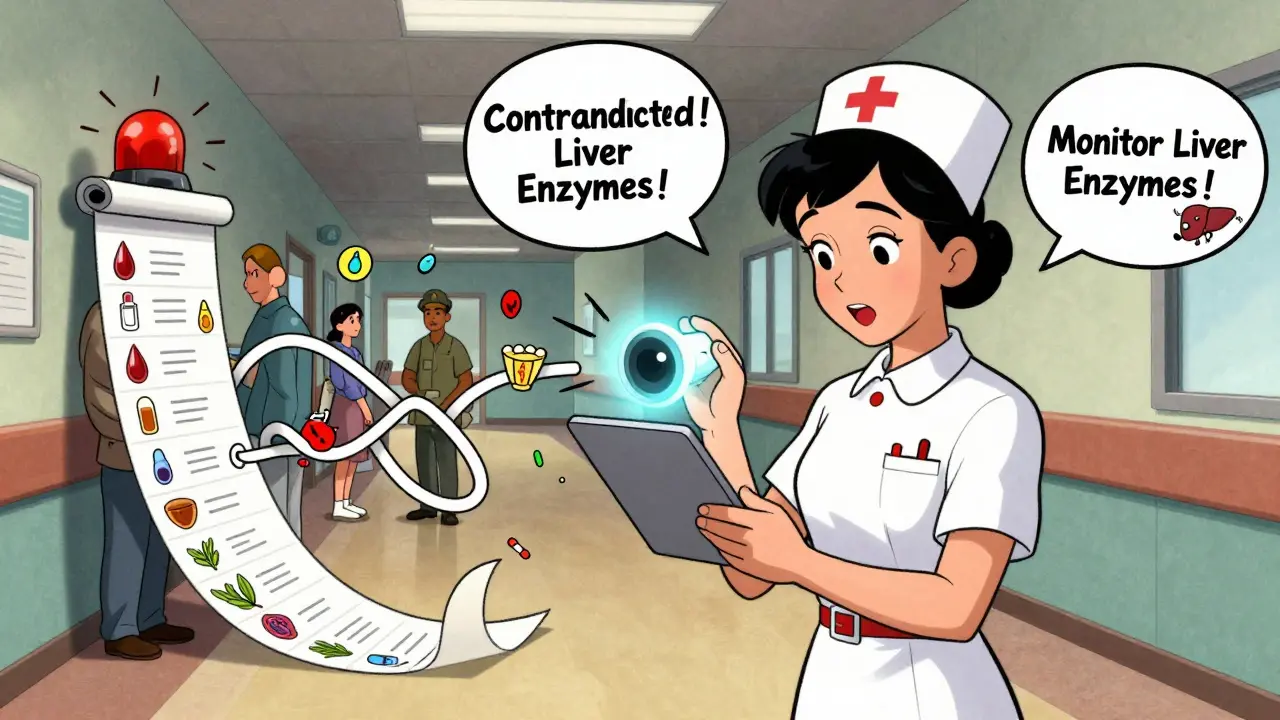
A nurse in Ohio used Epocrates to catch a deadly interaction during a routine visit. An elderly patient was on digoxin for heart failure and had started taking clarithromycin for a sinus infection. The app flagged a “contraindicated” warning - clarithromycin can spike digoxin levels to toxic levels, causing fatal arrhythmias. The nurse called the doctor. The antibiotic was switched. The patient stayed safe. A caregiver in Texas used Drugs.com to check her mother’s meds. Mom was on lisinopril, amlodipine, and a daily fish oil supplement. The app flagged a “moderate” interaction - fish oil can lower blood pressure. Combined with the two blood pressure meds, her mom’s pressure was dropping too low. The caregiver cut the fish oil dose in half. Within a week, her mom stopped feeling dizzy. A man in Florida used the pill identifier on Epocrates during a hospital visit. He couldn’t remember the name of a pill his son had given him. He snapped a photo. The app identified it as fluoxetine - an antidepressant he hadn’t been prescribed. He told the ER team. They found he’d been accidentally given someone else’s meds. These aren’t rare cases. They happen every day.Free vs. Paid Apps: What’s Worth It?
If you’re just checking a few meds once in a while, free apps like Drugs.com or Medscape’s free tier are fine. They catch the big, obvious risks. But they miss subtle ones - especially with supplements, herbal products, or age-related metabolism changes. Paid apps like Epocrates or Lexicomp are worth it if:- You take five or more meds regularly
- You’re over 65 or have kidney/liver issues
- You’re a caregiver for someone who is
- You’re a healthcare worker
Pitfalls to Avoid
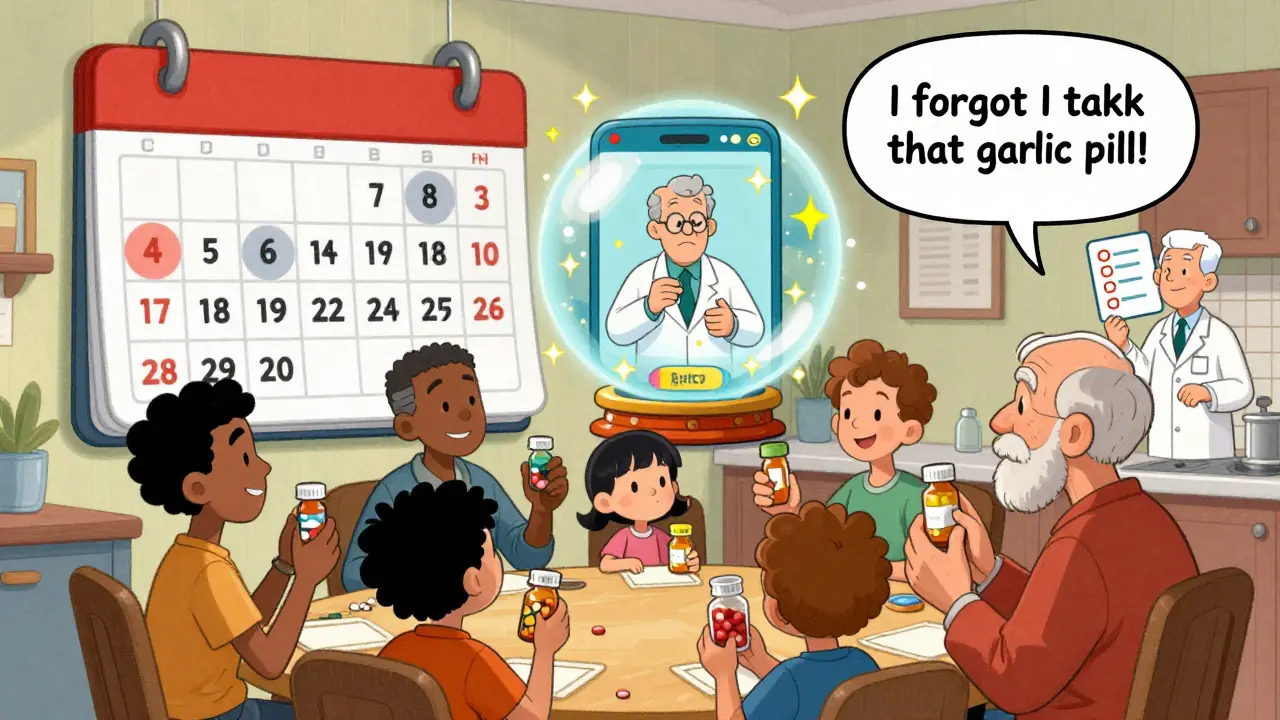
Even the best apps can mislead if you use them wrong.- Don’t rely on one app - Different apps use different databases. A 2023 study found major discrepancies in how apps rate the same interaction. Always double-check high-risk combos.
- Don’t ignore supplements - Many apps treat supplements as “low risk.” That’s false. St. John’s Wort, ginkgo, garlic, and ginseng all interact with common drugs.
- Don’t skip updates - New interactions are discovered every month. Apps update their databases regularly. Turn on auto-updates.
- Don’t trust patient-only apps for clinical decisions - Apps like Medisafe are great for reminders and caregiver sync, but their interaction warnings are oversimplified. They might say “possible interaction” when it’s actually life-threatening.
- Don’t use apps as a replacement for a pharmacist - They’re tools. Not replacements. If you’re unsure, call your pharmacist. They’re trained to interpret these alerts.
What’s Next for Drug Interaction Apps
The future is smarter. Epocrates now uses AI to predict interactions based on your age, kidney function, and other conditions - not just the drugs you’re taking. In 2025, some apps started using augmented reality to scan pills in real time, even if they’re in a pill organizer. The FDA’s Drugs@FDA Express app now tracks new drug approvals and their known interactions within days of release. That’s huge. A new antibiotic might come out with a hidden interaction no one’s documented yet. These apps are catching up. And with Medicare now requiring interaction checks for all Part D prescriptions, these tools are becoming standard - not optional.Final Advice: Make It a Habit
The biggest mistake people make? Checking interactions only when they get a new prescription. That’s too late. You should check every time you add something new - even if it’s just a new vitamin. Set a reminder: every month, open your app. Add everything you’ve taken since last check. Review the list. Ask yourself: “Did I forget anything?” Your meds aren’t just pills. They’re a system. And like any system, it needs maintenance.Can I trust free pharmacy apps to catch serious drug interactions?
Free apps like Drugs.com are good for spotting major, well-known interactions - like warfarin and aspirin. But they miss up to 40% of clinically significant ones, especially those involving supplements, herbal products, or age-related metabolism changes. For high-risk patients or complex regimens, professional apps like Epocrates or Lexicomp are far more accurate, catching 98%+ of serious interactions.
Do pharmacy apps check interactions with supplements and herbs?
Yes - but not all apps do it well. Professional apps like Lexicomp, Epocrates, and Micromedex include comprehensive supplement databases. Consumer apps often skip them or label them as “low risk” when they’re not. St. John’s Wort, ginkgo, garlic, and echinacea can all interfere with blood thinners, antidepressants, and blood pressure meds. Always include them in your list.
How often should I check for drug interactions?
Check every time you start, stop, or change a medication - including OTC drugs, vitamins, or supplements. Even if you’re not adding anything new, review your full list every 30 days. Your body changes. Your metabolism slows. A dose that was safe last month might become risky now. Make it a habit, not a one-time task.
Can these apps help if I’m caring for an elderly parent?
Absolutely. Elderly patients often take 5-10 medications. Apps like Medisafe let you sync their meds to your phone, set reminders, and check interactions on their behalf. Epocrates and Drugs.com are great for verifying combinations. Many caregivers report avoiding ER visits by catching interactions early - like a calcium supplement raising blood pressure when combined with a diuretic.
Are these apps reliable if I’m not a healthcare professional?
Yes - if you use them correctly. You don’t need to understand pharmacology. Just enter all your meds, read the severity labels, and follow the advice. If something says “contraindicated,” don’t ignore it. If you’re unsure, call your pharmacist. These apps are designed to be used by patients. Their warnings are clear: “Avoid,” “Monitor,” or “Consult doctor.” You don’t need to be an expert to act on them.
What should I do if two apps give me different warnings?
Always err on the side of caution. If one app says “major interaction” and another says “moderate,” treat it as major. A 2023 study found that 28% of drug pairs had conflicting severity ratings between top apps. When in doubt, consult your pharmacist or doctor. Never assume one app is “right” - use multiple sources to make a safer decision.
Kunal Karakoti
December 31, 2025 AT 01:46It's funny how we treat medicine like it's a playlist you just mix and match. We don't think twice about tossing in a supplement because it's 'natural,' but we'd never dump random chemicals into our car's engine and expect it to run. The body's not a sandbox-it's a precision instrument. These apps are the dashboard warning lights we never knew we needed.
And yet, most people only open them after something goes wrong. That's like checking your brakes after the skid.
It's not about fear. It's about respect. For the chemistry. For the biology. For the fact that your grandma's herbal tea might be quietly sabotaging her heart meds.
Simple tools, profound consequences.
Henry Ward
December 31, 2025 AT 13:09Of course free apps are garbage. You’re telling people to rely on Drugs.com like it’s the Gospel? That’s not safety-it’s gambling with your life. I’ve seen ER reports where people ‘checked the app’ and got a ‘minor’ warning for a combo that killed them. These apps aren’t tools-they’re liability shields for companies that don’t want to pay for real pharmacology.
Epocrates? Lexicomp? Those cost money because they’re built by people who actually understand pharmacokinetics, not some intern who scraped a database in 2017.
If you’re over 50 and on more than three meds, you’re not ‘saving money’ by using free apps. You’re just delaying the ambulance ride.
Joseph Corry
December 31, 2025 AT 15:26Let’s be honest: the entire premise of this post is a neoliberal fantasy. You’re asking patients to become pharmacists because the healthcare system has outsourced its duty to them. The real problem isn’t the apps-it’s that doctors have 8-minute visits and pharmacies are profit-driven corporations.
App developers profit from your anxiety. They sell you the illusion of control while the system fails you. Epocrates doesn’t solve the crisis-it monetizes it. $50/month to avoid the consequences of a broken system? That’s not empowerment. That’s extortion.
And don’t get me started on ‘supplements.’ The FDA doesn’t regulate them because the industry lobbied to keep it that way. So now we’re all amateur toxicologists, scanning pills like we’re on CSI: Pharmacy.
It’s not a fix. It’s a Band-Aid on a hemorrhage.
Colin L
January 2, 2026 AT 02:39Look, I’ve been using Epocrates for over a decade, and I’ve seen everything-from a 92-year-old on 14 meds who didn’t know she was taking two different SSRIs, to a guy who mixed St. John’s Wort with his antidepressant because ‘it’s just a herb’-and yes, it nearly killed him.
But here’s what nobody talks about: the emotional toll. I’ve sat with patients who cried because they realized their ‘natural remedy’ was making their husband’s heart condition worse. They didn’t know. No one told them. And now they feel guilty.
These apps aren’t just clinical tools-they’re emotional anchors. They give people a sense of agency when they’ve been stripped of it by bureaucracy, cost, and misinformation.
Yes, they’re imperfect. Yes, they’re expensive. But they’re the only thing standing between a patient and a preventable death. And if you think that’s not worth $50 a year, you’ve never held someone’s hand while they waited for an EKG because their potassium spiked from a ‘harmless’ salt substitute.
Don’t dismiss the tool because the system is broken. Use it. Then fight to fix the system.
And for god’s sake, turn on auto-updates.
kelly tracy
January 4, 2026 AT 01:59Everyone’s acting like these apps are magic. They’re not. I checked my meds on Drugs.com and it said my fish oil and blood pressure med were ‘moderate’-so I ignored it. Two weeks later I passed out in the grocery store. Turns out, I was hypotensive. The app didn’t account for my kidney function. My doctor said it was a classic case of ‘false reassurance.’
And now I’m stuck with a new diagnosis and a $1200 ER bill. So yeah, I’m done trusting free apps. But I’m also done trusting ‘professionals’ who say ‘just check the app.’ You’re not a doctor. The app isn’t a doctor. Stop pretending.
srishti Jain
January 5, 2026 AT 20:07St. John’s Wort + blood thinners = bad. Done. No app needed.
Cheyenne Sims
January 7, 2026 AT 15:39The structural integrity of this article is compromised by its uncritical endorsement of proprietary pharmaceutical software. While the utility of evidence-based drug interaction databases is indisputable, the normalization of subscription-based clinical decision support as a patient responsibility represents a dangerous erosion of public health infrastructure. Furthermore, the conflation of consumer-grade applications with professional-grade systems constitutes a misleading rhetorical strategy that undermines informed consent. The FDA’s regulatory gaps in supplement classification remain the primary systemic failure-not the lack of mobile applications. Until pharmaceutical corporations are held accountable for the safety of their products, the burden placed on laypersons to self-audit pharmacological risk is both ethically indefensible and statistically inadequate.
Shae Chapman
January 8, 2026 AT 16:43Okay I just had to comment because this is SO IMPORTANT. 🥹 I used Drugs.com last week when my mom started a new thyroid med and it flagged a dangerous interaction with her calcium supplement-she’d been taking it for years! We called her pharmacist and they said ‘oh wow, good catch, most people miss this.’ I cried. I literally cried. Thank you for writing this. 🙏 I’ve shared it with my whole family. If you’re reading this and you take more than three things, open your app right now. Just do it. I’m not kidding. You can thank me later. 💙
Nadia Spira
January 9, 2026 AT 03:41Let’s deconstruct the epistemological fallacy embedded in this performative safety narrative. The algorithmic reduction of pharmacological complexity into binary risk tiers-‘major,’ ‘minor,’ etc.-is a neo-positivist delusion. It presumes that pharmacokinetics can be quantified through static, context-agnostic models, ignoring interindividual variability in CYP450 polymorphisms, gut microbiome modulation, and circadian pharmacodynamics.
Epocrates doesn’t ‘catch’ interactions-it indexes curated datasets that are inherently lagging. The ‘98.7% accuracy’ claim is a statistical mirage; it measures against historical databases, not real-time clinical outcomes.
And let’s not forget: the very act of patient self-auditing reinforces biopolitical control. You’re not safeguarding your health-you’re internalizing the neoliberal imperative to self-manage risk while the system offloads liability.
These apps are digital placebo pills for a broken healthcare paradigm. Use them if you must. But don’t mistake the interface for insight.