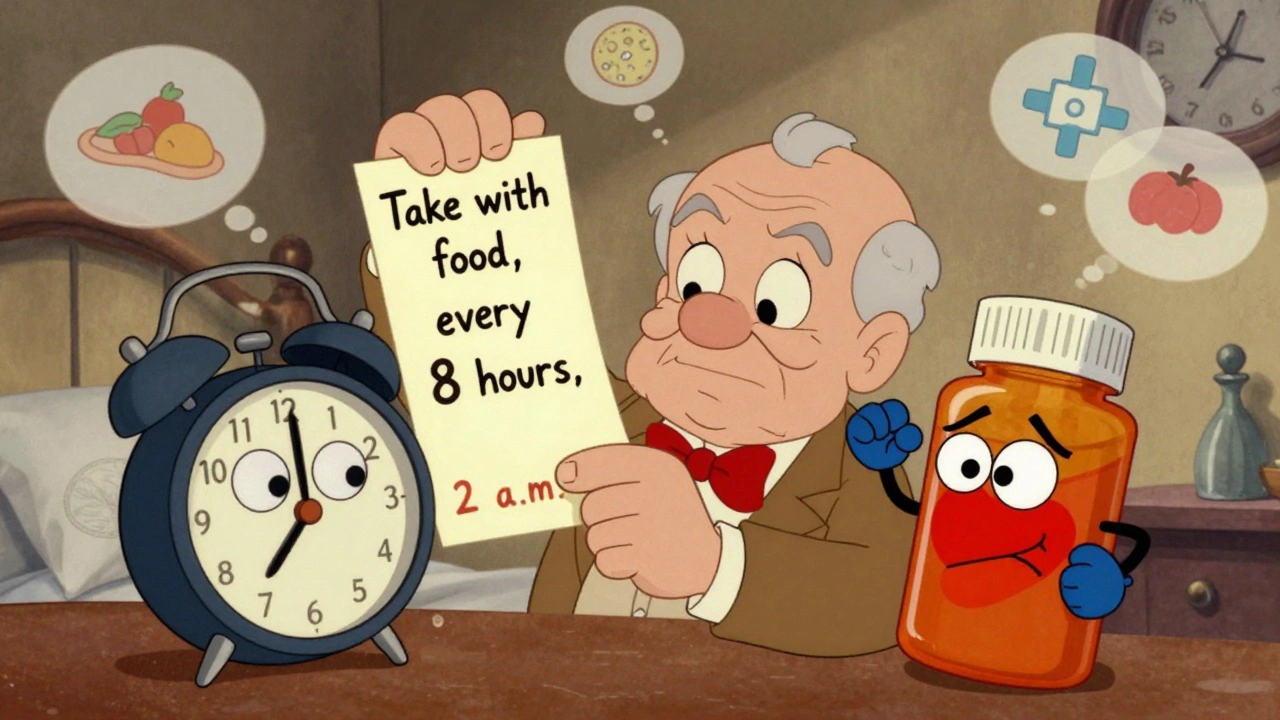
Getting your medication schedule right isn’t just about setting an alarm. It’s about understanding what’s written on the label - and using that information to build reminders that actually keep you safe. If you’ve ever missed a dose because your app reminded you at 2 a.m. for a drug that says "take with food," or doubled up because two pills looked similar on paper, you know how dangerous sloppy reminders can be. The truth is, medication labels contain all the clues you need to avoid mistakes - if you know how to read them.
What’s Really on Your Prescription Label?
Your prescription label isn’t just a receipt. It’s a medical instruction manual. The FDA requires specific details to be printed clearly: the name of the drug, how much to take, how often, and special rules like "take on an empty stomach" or "do not take with grapefruit juice." These aren’t suggestions. They’re safety rules. Look for these five key pieces of information:- Dosage form and strength: Is it a 10mg tablet? A 5mL liquid? Mixing up forms can lead to serious overdoses.
- Frequency: "Take three times daily" doesn’t mean 8 a.m., 4 p.m., and midnight. It means every 8 hours - which might mean 6 a.m., 2 p.m., and 10 p.m.
- Food instructions: "Take with food" protects your stomach. "Take on an empty stomach" ensures the drug gets absorbed properly. Ignoring this cuts effectiveness by up to 40% for some medications.
- Minimum interval: Some drugs say "do not take more than once every 6 hours." That’s a hard limit. Setting reminders closer than that risks overdose.
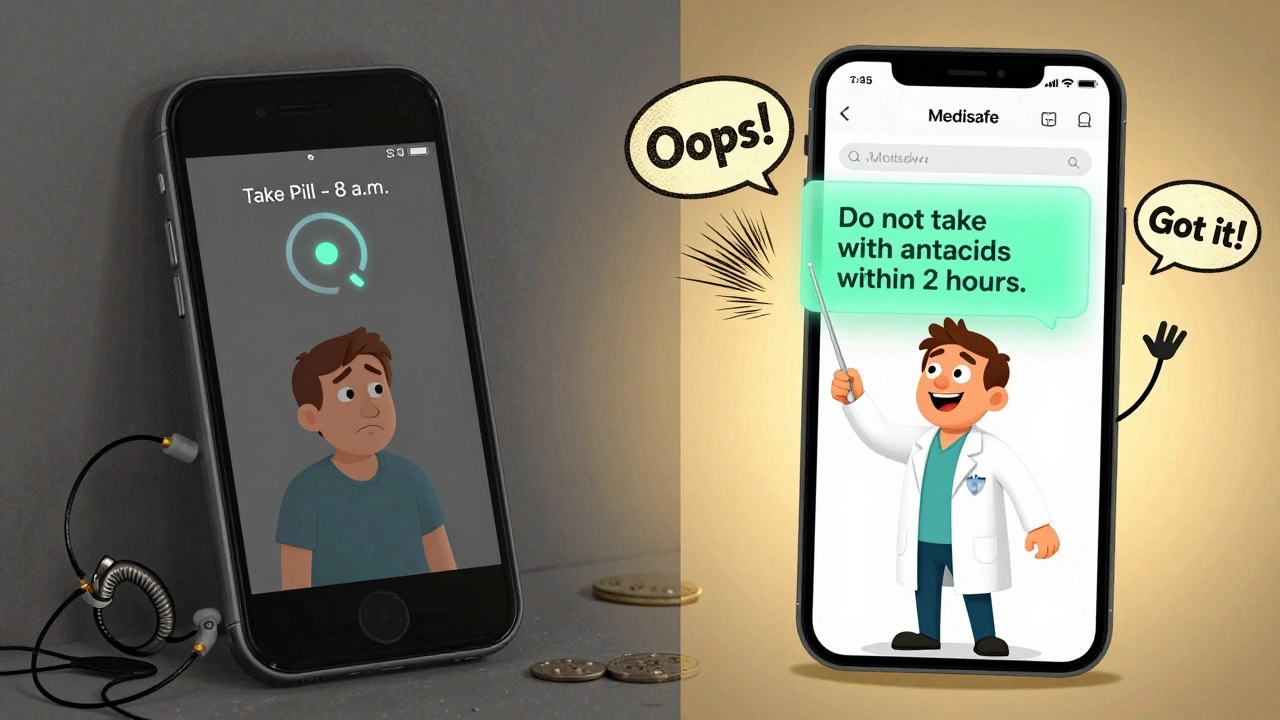
- Drug interaction warnings: "Avoid antacids within 2 hours" or "do not take with blood thinners" are critical when you’re on multiple meds.
A 2023 NIH study found that 78.3% of timing errors happen because people ignore these details. Your phone alarm doesn’t know you’re supposed to wait two hours after eating. Only you - or a smart system that reads the label - can make that call.
Why Basic Alarm Apps Fail
Most free reminder apps - the ones that just beep at 8 a.m. and 8 p.m. - are dangerously basic. They treat every pill the same. They don’t know if your blood pressure pill needs to be taken before breakfast or if your antibiotic requires exactly 12-hour spacing. Compare this to systems like Medisafe or MyTherapy. These apps don’t just remind you. They interpret your label. If your label says "take one tablet every 8 hours," they don’t set three random alarms. They space them evenly across 24 hours. If you’re on warfarin and also take ibuprofen, they flag the interaction and suggest spacing doses apart. A 2024 study in the Journal of Medical Systems compared 12 apps. Those that ignored label info had 63% more timing errors than those that used it. One user on Reddit shared how their old app kept reminding them to take an antibiotic at 2 a.m. - which their label clearly said "avoid after 10 p.m." because it caused insomnia. The right app caught that.How to Turn Label Info Into Smart Reminders
You don’t need to be a tech expert to use label-based reminders. Here’s how to do it step by step:- Take a clear photo of your prescription label. Make sure the text is readable - no glare, no blurry spots.
- Use an app that reads labels like Medisafe, CareZone, or MyTherapy. These use AI to scan and extract key details. Modern OCR tech gets it right 98.7% of the time, according to a 2024 study in npj Digital Medicine.
- Check the auto-generated schedule. The app will suggest times based on "every 8 hours" or "take with meals." Does it make sense? If your label says "take with breakfast," does the app set the first dose at 7 a.m.? Good. If it’s at midnight? That’s wrong.
- Look for interaction alerts. If you take metformin and glipizide, the app should warn you not to take them together. If it doesn’t, double-check your label or talk to your pharmacist.
- Adjust for your life. If you work nights, your "every 8 hours" schedule might need shifting. Most apps let you manually tweak times - just make sure the minimum intervals stay intact.
Don’t trust the app blindly. Always cross-check with your label. Even the best AI can misread a smudged "take with food" as "take after food." A quick glance saves lives.
What Happens When You Get It Wrong
Getting medication timing wrong isn’t just inconvenient - it’s dangerous. Taking too much too soon can cause internal bleeding, kidney failure, or seizures. Taking too little means the drug doesn’t work. The FDA’s Adverse Event Reporting System found that 37.8% of overdoses in people taking multiple medications happen because reminders didn’t respect minimum intervals. One man in Ohio took his blood thinner twice in 10 hours because his app reminded him at 8 a.m. and 6 p.m. - but his label said "no more than once every 12 hours." He ended up in the ER with internal bleeding. On the flip side, skipping doses because the timing feels "awkward" leads to treatment failure. A 2024 study in JAMIA showed patients using label-aware reminders had 23.7% better adherence than those using basic alarms. For someone with diabetes or heart disease, that’s the difference between staying out of the hospital and ending up there.Who Benefits the Most?
This isn’t just for seniors. It’s for anyone on more than one medication. But the biggest gains come from three groups:- Seniors over 65: A 2024 AARP survey found 76.4% of older adults understood their schedule better when reminders included "take with breakfast" instead of just "7 a.m."
- People on five or more meds: Polypharmacy patients are 12 times more likely to make timing errors. Smart reminders cut those errors in half.
- People with chronic conditions: Diabetics, heart failure patients, and those on blood thinners need precision. Missing a dose or taking it at the wrong time can trigger a stroke or clot.
One woman in Bristol told her pharmacist she’d been taking her statin at night - but her label said "take in the morning." She’d been doing it wrong for years because her alarm app just said "take once daily." Once she switched to a label-aware app, her cholesterol dropped 22% in three months.
The Future Is Label-Driven
By 2026, Medicare will require all healthcare systems to use reminder tools that accurately interpret prescription labels. That’s not a suggestion - it’s a rule. Apps like Epic’s MyChart and Cerner’s tools are already building this in. New AI systems can now use your phone camera to verify you’ve taken the right pill - not just remind you. In clinical trials, these systems cut errors by over 57%. The goal isn’t just to remind you. It’s to make sure you’re taking the right thing, at the right time, the right way.What to Do Today
You don’t have to wait for the future. Start now:- Grab your most recent prescription label.
- Open your reminder app - or download one that reads labels (Medisafe, CareZone, or MyTherapy are free).
- Scan the label and compare the auto-generated schedule to what’s written.
- If something doesn’t match - like a dose at 3 a.m. for a drug that says "take with food" - fix it manually.
- Ask your pharmacist: "Does my schedule match what’s on the label?" They’ll check for interactions you might miss.
Medication safety isn’t about technology. It’s about attention. The label has the answers. Your job is to listen.
Can I just use my phone’s alarm app for my medications?
You can, but it’s risky. Basic alarm apps don’t know if your medication needs to be taken with food, how far apart doses should be, or if it interacts with another drug. A 2024 study found alarm-only apps had 63% more timing errors than apps that read prescription labels. If you’re on more than one medication, a label-aware app is far safer.
What if my prescription label is hard to read?
Don’t guess. Take a photo and ask your pharmacist to clarify. Many pharmacies now offer digital copies of your labels through patient portals. If you’re using an app that scans labels and can’t read it, manually enter the details from your pharmacy’s website or call them. Ambiguous labels cause 22.4% of automated system errors, according to the Journal of the American Pharmacists Association.
Do I still need to check the label if the app says it’s correct?
Yes. No app is perfect. OCR can misread "take with food" as "take after food," or miss a small note about avoiding alcohol. Always do a quick visual check. A 2024 Consumer Reports study found that 14.3% of errors in digital tools came from over-reliance on automation without human review. Your eyes are still the best safety net.
How do I know if my medication reminder app is using label information?
Look for features like: automatic dose spacing based on "every X hours," food interaction alerts, drug interaction warnings, and the ability to see the original label text inside the app. Apps like Medisafe and MyTherapy show you the label text they pulled. If your app just says "take at 8 a.m. and 8 p.m." with no explanation, it’s probably not using label data.
Are there free apps that read prescription labels?
Yes. Medisafe, CareZone, and MyTherapy all offer free versions with label scanning and smart scheduling. They’re used by millions and integrate with major pharmacies. Avoid apps that only offer basic alarms - they don’t provide the safety features you need. Look for mentions of "prescription label scanning" or "drug interaction alerts" in their descriptions.
parth pandya
December 3, 2025 AT 08:02man i just scanned my pill bottle with carezone and it caught that my metformin was set for 11pm but the label said "take with dinner" - i eat dinner at 7pm. app fixed it to 7am, 7pm. lifesaver. also flagged that my ibuprofen clashes with my blood pressure med. didn't even know that.
Cindy Lopez
December 4, 2025 AT 14:10Wow. So we’re now outsourcing basic reading comprehension to an app? Next they’ll make a bot that tells us not to put our pants on backwards.
Albert Essel
December 5, 2025 AT 19:30Actually, Cindy, this isn’t about outsourcing comprehension - it’s about compensating for cognitive load. People on 8+ meds aren’t failing at reading. They’re drowning in complexity. A label says "take every 8 hours" - but what does that mean when you’re awake 16 hours and asleep 8? The app calculates it. That’s not lazy. That’s smart.
Gavin Boyne
December 7, 2025 AT 17:56Oh wow, so now we’re treating adults like toddlers who can’t tell the difference between "with food" and "after food"? Next we’ll have AI whispering to us not to lick the toaster. This is the slow, polite death of personal responsibility wrapped in a shiny app UI. The FDA didn’t mandate this because people are dumb - they mandated it because corporations want to monetize compliance.
Rashmin Patel
December 9, 2025 AT 13:28Bro i get where you’re coming from but honestly? My grandma took her pills wrong for 7 years because she thought "once daily" meant "when i wake up" - even though her label said "in the morning" and she woke up at 4am. She’d take it then, nap, wake up at noon, take it again. She didn’t mean to - she just got confused. Apps that read labels? They saved her life. No shame in using tech to help your brain keep up. 😊
Joykrishna Banerjee
December 11, 2025 AT 13:03Let’s be honest: the entire premise of this post is a bourgeois fantasy. The average person doesn’t have access to a smartphone, let alone a "label-aware app." This is tech-washing for the upper-middle class while rural communities and the working poor die from polypharmacy errors because their pharmacy won’t even give them a printed schedule. You’re not solving systemic neglect - you’re selling a $5/month subscription as a band-aid.
Kara Bysterbusch
December 12, 2025 AT 04:11Joykrishna - you’re not wrong. But let’s not let the perfect be the enemy of the good. The fact that these apps exist - and are free - means someone, somewhere, is now taking their warfarin correctly because a camera scanned a label. That’s not a band-aid. It’s a bridge. And bridges, even imperfect ones, still let people cross rivers. Let’s build more bridges - not tear down the ones already standing.
Rashi Taliyan
December 12, 2025 AT 05:59I cried when my app told me my antidepressant was set to go off at 3am. I had no idea. I thought "take once daily" meant "when I remember." I’d been waking up exhausted for years. Now it’s at 8am. I slept 8 hours straight for the first time in 5 years. This isn’t tech. This is mercy.
sagar bhute
December 14, 2025 AT 00:54Everyone’s acting like this is some revolutionary breakthrough. Newsflash: pharmacists have been telling people this for decades. You don’t need an app to read a label. You need to stop being lazy and ask your damn pharmacist. Or better yet - stop taking so many pills. Your body isn’t a pharmacy.
shalini vaishnav
December 15, 2025 AT 14:33Why are we letting American tech companies dictate how Indians take medicine? In India, we’ve had community pharmacists for generations who explain everything orally. Why are we importing Silicon Valley’s over-engineered solutions for a problem that doesn’t exist here? This is cultural imperialism disguised as healthcare innovation.
Myson Jones
December 15, 2025 AT 17:51Thank you, Rashi, for sharing your story. And thank you, Sagar and Shalini, for your perspectives - even if they’re sharp, they’re valid. Let’s not forget: the goal isn’t to shame people for using apps, or to dismiss them as lazy. It’s to make sure everyone - whether they’re in rural Bihar or suburban Ohio - has access to the tools that help them stay safe. Maybe the answer isn’t one app, but many: apps, pharmacists, family, printed charts, voice reminders. We don’t need to choose. We need to combine.